

LinkedIn HubSpot Integration: The 2026 Guide
HubSpot's native LinkedIn integration requires Sales Navigator. Here's how a Chrome sidebar closes the gap: match, create, log, and follow up, all from the LinkedIn page, without extra seats.
Read more
Ln2CRM plugin adds a CRM sidebar in Chrome. Create, manage, and enrich records without switching tabs. Match existing CRM entries instantly, check communication history, tasks and notes




Search CRM records, view activity history, and create & update contacts, companies, and deals, all from a sidebar on LinkedIn. No tab switching. No copy-paste chaos.
Create, manage, and follow up with context, without leaving the LinkedIn page.
Estimate time and cost saved when your team stops switching tabs and manually reconciling CRM data.
Credits reset monthly. Enterprise is unlimited by request. Email us to discuss your workflow.
Install the extension, connect your CRM, and stop switching tabs. Upgrade when your workflow scales.
"Ln2CRM was a gamechanger. It saved us a ton of time, so we could invest it into actions that matter instead of never-ending copy-paste."
"I love how you can create and update cards within the LinkedIn page. Our CRM stays clean without extra admin work."
"Seeing CRM history right on a profile makes the difference. You can check notes and previous emails for the context. Brilliant."
"It helped with SDR burnout more than we could hope. It erased about 25% of routine work. Highly recommended."
"Love the AI features. I comment nearly 50 posts a day, and now do it 80% faster than before."
Practical guides on LinkedIn-to-CRM workflows.

HubSpot's native LinkedIn integration requires Sales Navigator. Here's how a Chrome sidebar closes the gap: match, create, log, and follow up, all from the LinkedIn page, without extra seats.
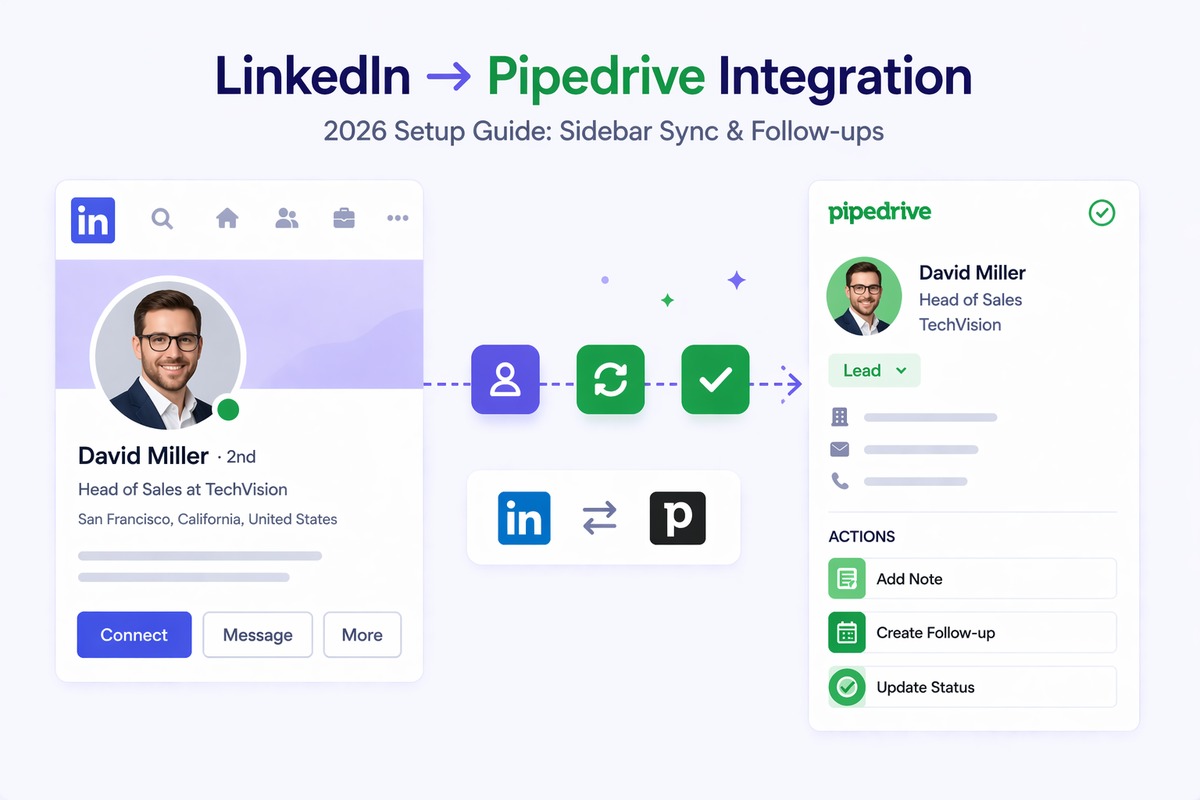
A complete guide to LinkedIn Pipedrive integration: native options and their limits, how a sidebar workflow works, setup in 5 minutes, Pipedrive custom fields for LinkedIn URLs, and comparison with alternatives.

10 Sales Navigator alternatives compared honestly, with prices and use-cases: Apollo, Cognism, ZoomInfo, Lusha, Kaspr, Wiza, Evaboot, Dux-Soup, Surfe, and Ln2CRM. Pick by what job you need done.
Practical answers about Ln2CRM, CRM sync on LinkedIn, credits, security, and how we handle LinkedIn UI changes.
This is a placeholder. Later you can connect real billing and onboarding.